Guide
Building a Cron-Based Notification Pipeline with ntfy
Table of Contents
I run a small vocab app at vocab.xahidex.com. It picks a word every day, gives me the etymology, a mnemonic, and pushes a notification to my phone so I actually see it instead of forgetting the app exists. The notification part turned out to be the most interesting piece to build, so here’s how I put it together.
The app itself is deployed on Vercel, but the cron trigger runs from a Linux server, not Vercel Cron. Vercel’s free plan only allows one cron run per day and locks you into their scheduling window, which is too restrictive if you want more control over timing or plan to add more frequent checks later. A plain crontab entry on a server you already control does the same job with none of the platform limits.
Why ntfy
I already self-host ntfy on my homelab at ntfy.xahidex.com. It’s a simple pub/sub push notification service, you send a POST request to a topic and anyone subscribed to that topic gets the notification. No SDKs, no push certificates, no vendor lock-in. For a solo project where I just want a ping on my phone, it’s the least amount of infrastructure I could ask for.
The alternative would have been something like Firebase Cloud Messaging or OneSignal, which means dealing with device tokens, app-specific SDKs, and a dashboard I don’t need. ntfy strips all of that down to curl.
Test it from your terminal before writing any app code:
curl -d "This is a test notification" ntfy.sh/my-test-topic-xyzInstall the ntfy app on your phone, subscribe to that same topic, and you’ll see the push land within a second or two. If you’re self-hosting your own instance instead of using ntfy.sh, swap the URL:
curl -d "This is a test notification" https://ntfy.xahidex.com/my-test-topic-xyzThe basic idea
At a high level the pipeline is:
- A cron job on a Linux server runs once a day
- It hits an API route on the deployed app over HTTPS
- That route pulls the word of the day, checks who should get notified, and fires off a request to ntfy for each user
- ntfy delivers it to whatever device is subscribed to that topic
The app doesn’t need to be on the same server as the cron job. The server’s only role is to fire a single authenticated request on schedule.
Setting up the API route
The route needs to check for a shared secret, otherwise anyone who finds the URL can trigger it:
export async function GET(request: Request) {
  const authHeader = request.headers.get('authorization');
  if (authHeader !== `Bearer ${process.env.CRON_SECRET}`) {
    return new Response('Unauthorized', { status: 401 });
  }

  // pipeline logic goes here
}
Set CRON_SECRET as an environment variable in your deployment platform’s dashboard (Vercel project settings, or your own .env file if you’re self-hosting the app too). You’ll reuse the same value on the Linux server side.
Setting up the cron job on Linux
Open your crontab:
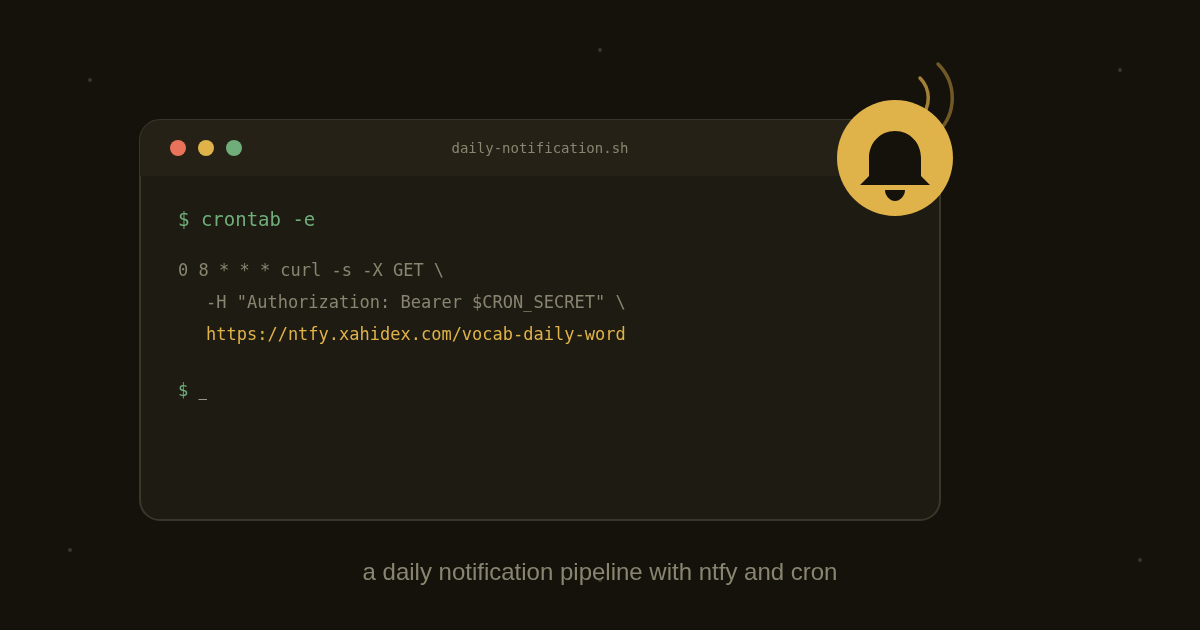
crontab -eAdd a line to hit the route once a day at 8am server time:
0 8 * * * curl -s -X GET -H "Authorization: Bearer YOUR_CRON_SECRET" https://vocab.xahidex.com/api/cron/daily-notification >> /var/log/vocab-cron.log 2>&1A few things worth being precise about here:
-skeeps curl silent so your log doesn’t fill up with progress output>> /var/log/vocab-cron.log 2>&1appends both stdout and stderr to a log file, which matters the day this silently stops working and you need to know why- Hardcoding the secret directly in the crontab line works but isn’t great if multiple people have access to the server. A cleaner approach is to source it from a file:
0 8 * * * . /etc/vocab-cron.env && curl -s -X GET -H "Authorization: Bearer $CRON_SECRET" https://vocab.xahidex.com/api/cron/daily-notification >> /var/log/vocab-cron.log 2>&1Where /etc/vocab-cron.env just contains:
CRON_SECRET=your-actual-secret-hereLock that file down so only root can read it:
chmod 600 /etc/vocab-cron.envTo confirm your cron job actually ran, check the log file after the scheduled time:
cat /var/log/vocab-cron.logAnd to see cron’s own execution log on most Linux distros, check syslog:
grep CRON /var/log/syslogIf your timezone matters for the schedule, check what timezone cron is running under:
timedatectlIf the server isn’t in your local timezone, adjust the crontab time accordingly rather than trying to change the whole server’s timezone just for one job.
Sending the actual notification
Once the route is authenticated and the cron job is reliably hitting it, sending a notification to ntfy is just a fetch call inside the route:
await fetch('https://ntfy.xahidex.com/vocab-daily-word', {
  method: 'POST',
  headers: {
    Title: 'Word of the Day',
    Tags: 'books',
  },
  body: `${word.term}: ${word.definition}`,
});
That’s genuinely most of it. ntfy doesn’t need auth for public topics, though I have mine locked down with access tokens since it’s exposed through a Cloudflare tunnel and I don’t want randoms subscribing to my topic or posting garbage to it. To lock a topic down, ntfy supports access control through its CLI on the server where ntfy itself runs:
ntfy user add vocab-notifier
ntfy access vocab-notifier vocab-daily-word write-only
Then include the token when sending from the app:
await fetch('https://ntfy.xahidex.com/vocab-daily-word', {
  method: 'POST',
  headers: {
    Title: 'Word of the Day',
    Tags: 'books',
    Authorization: `Bearer ${process.env.NTFY_TOKEN}`,
  },
  body: `${word.term}: ${word.definition}`,
});
Where it got more involved
The part that took longer than the notification code itself was deciding who gets notified and when. Right now the pipeline is fully built and working end to end, but it’s sitting behind two things before I flip it on for real users: a database migration to track per-user notification preferences, and an actual opt-in flow so I’m not just blasting every signed-up user by default.
The schema addition is small, a boolean column for whether notifications are enabled plus a topic identifier per user, so each person gets their own ntfy topic rather than everyone sharing one:
alter table users
  add column notifications_enabled boolean default false,
  add column ntfy_topic text unique;
That matters because right now testing against a single shared topic means every subscriber sees every test push, which gets noisy fast once more than one person is involved.
Once that’s in place the route changes from “notify one hardcoded topic” to “loop through opted-in users, generate or fetch their word for the day, hit their individual topic”:
const optedInUsers = await db.user.findMany({
  where: { notifications_enabled: true },
});

for (const user of optedInUsers) {
  const word = await getWordOfTheDay(user.id);

  await fetch(`https://ntfy.xahidex.com/${user.ntfy_topic}`, {
    method: 'POST',
    headers: {
      Title: 'Word of the Day',
      Tags: 'books',
      Authorization: `Bearer ${process.env.NTFY_TOKEN}`,
    },
    body: `${word.term}: ${word.definition}`,
  });
}
Nothing conceptually different from the single-topic version, just more moving parts. The cron job on the Linux server doesn’t change at all, it’s still just hitting the same route on the same schedule.
What I’d do differently
If I were starting from scratch I’d build the per-user topic structure before writing the first version of the route, rather than hardcoding one topic and refactoring later. It works fine as a proof of concept but retrofitting multi-user support into something built single-user always takes longer than it looks like it should.
I’d also log every notification attempt on the app side, even just a simple table with timestamp, topic, and status code from the ntfy response:
await db.notificationLog.create({
  data: {
    userId: user.id,
    topic: user.ntfy_topic,
    statusCode: response.status,
    sentAt: new Date(),
  },
});
Right now if a push silently fails I have no record of it, I’d just notice the notification never showed up on my phone. That’s fine when it’s only me testing, not fine once other people are relying on it. Between the server’s own cron log and this table, I’d have both ends of the pipeline covered.
Where this is headed
Next step is finishing that migration and turning on opt-in for real users. After that I want to add a fallback, if someone hasn’t opened the app in a few days after getting the daily word, maybe a slightly different nudge notification rather than just repeating the same push. Nothing fancy, but ntfy makes it cheap enough to experiment with that kind of thing without worrying about notification budgets or SDK limits the way you would with a mobile push provider.
If you’re running anything similar, a small side project that needs to reach you or a handful of users without building out a whole mobile notification stack, a Linux cron job plus ntfy is about as low friction as it gets, and you’re not boxed in by any platform’s free tier limits.
Related reading
You might also enjoy these