Blog
MCP Servers Explained: The New Standard for AI Tool Integration
Table of Contents
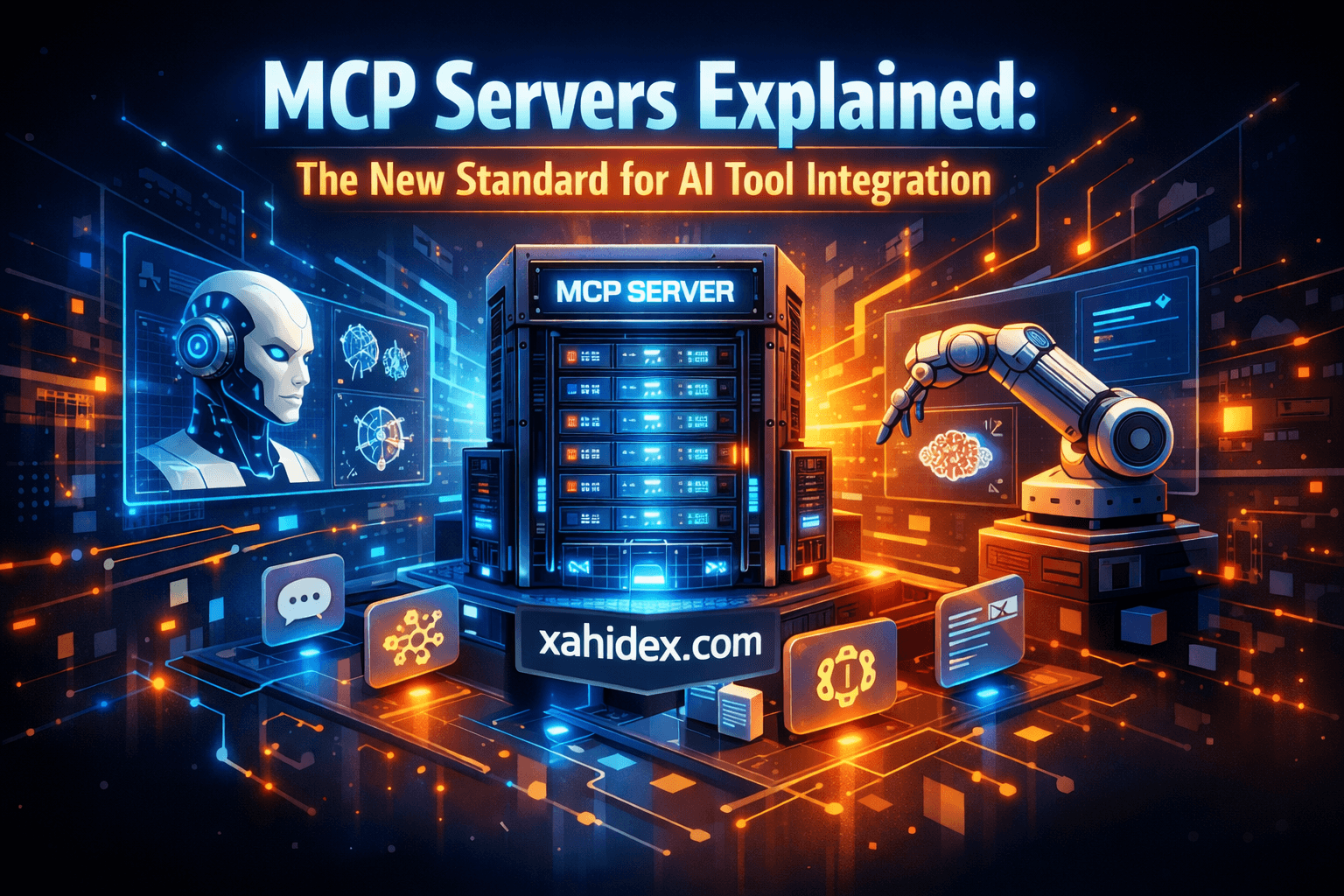
A few weeks ago, I was knee-deep in a project where I needed Claude to interact with my local files, pull data from a database, and even run some shell commands. The old way? Write custom API wrappers, handle authentication for each service, and pray everything doesn’t break when one dependency updates.
Then I discovered MCP.
Within an hour, I had Claude reading my codebase, querying my Postgres database, and even managing files on my system — all through a standardised protocol. No hacky workarounds. No custom middleware. Just… it worked.
If you’re building with AI in 2026 and haven’t heard of MCP yet, this post is for you. And if you have heard of it but thought “sounds complicated” — trust me, it’s simpler than you think.
What is MCP (Model Context Protocol)?
MCP stands for Model Context Protocol — an open standard that allows AI models to interact with external tools, data sources, and systems in a consistent, secure way.
Think of it like this: before MCP, every AI tool integration was like inventing a new language. Your AI assistant needed custom code to talk to your calendar, different code for your database, and yet another approach for your file system. It was chaos.
MCP is the universal translator. It defines a standard way for AI models to:
- Access tools (functions the AI can call)
- Read resources (data sources like files, databases, APIs)
- Communicate securely with local and remote services
It’s being adopted by major players — Claude, GPT 5.2, Gemini 3 Pro — and it’s becoming the default way to extend AI capabilities.
Why Should You Care?
Here’s the honest truth: if you’re just chatting with AI for quick questions, you probably don’t need MCP.
But if you’re:
- Building AI-powered applications
- Automating workflows with AI agents
- Creating developer tools that leverage LLMs
- Trying to give AI access to your personal/business data
…then MCP is about to become your best friend.
Before MCP vs After MCP
| Before MCP | After MCP |
|---|---|
| Custom API wrapper for each tool | One protocol, any tool |
| Security concerns with each integration | Standardised permission model |
| Breaks when APIs update | Stable protocol versioning |
| Works with one AI model | Works across models |
I’ve built enough janky integrations to know the pain. MCP actually solves this.
How MCP Works (Without the Jargon)
At its core, MCP follows a simple client-server architecture:
┌─────────────┐         ┌─────────────┐
│   AI Model  │ ◄─────► │  MCP Server │ ◄─────► External Tools
│   (Client)  │   MCP   │             │         (Files, DBs, APIs)
└─────────────┘         └─────────────┘
The AI model (like Claude or GPT 5.2) acts as the MCP client. It knows how to speak the MCP protocol.
The MCP server is what you build or configure. It exposes:
- Tools: Functions the AI can execute (like “send email” or “query database”)
- Resources: Data the AI can read (like files, API responses, or documents)
When the AI needs to do something, it asks the MCP server. The server handles the actual work and returns the result. Simple.
Building Your First MCP Server
Let’s get practical. I’ll walk you through creating a basic MCP server that gives AI access to a task management system.
Project Setup
mkdir mcp-task-manager
cd mcp-task-manager
npm init -y
npm install @modelcontextprotocol/sdk zod
The Server Code
Create index.ts:
import { McpServer } from '@modelcontextprotocol/sdk/server/mcp.js';
import { StdioServerTransport } from '@modelcontextprotocol/sdk/server/stdio.js';
import { z } from 'zod';

// In-memory task storage (use a real database in production)
interface Task {
  id: string;
  title: string;
  completed: boolean;
  createdBy: string;
}

const tasks: Task[] = [];

// Create the MCP server
const server = new McpServer({
  name: 'task-manager',
  version: '1.0.0',
});

// Define a tool to create tasks
server.tool(
  'create_task',
  'Create a new task in the task manager',
  {
    title: z.string().describe('The task title'),
    assignee: z.string().optional().describe('Who the task is assigned to'),
  },
  async ({ title, assignee }) => {
    const task: Task = {
      id: crypto.randomUUID(),
      title,
      completed: false,
      createdBy: assignee || 'Jahidul Islam',
    };

    tasks.push(task);

    return {
      content: [
        {
          type: 'text',
          text: `
What’s Happening Here?
-
Tools (
create_task,list_tasks,complete_task) are functions the AI can call. Each has a name, description, input schema, and handler. -
Resources (
task-stats) expose data the AI can read. Think of them as read-only endpoints. -
Transport (
StdioServerTransport) handles communication. For local use, stdio is perfect. For remote servers, you’d use HTTP/SSE.
Connecting MCP to Your AI
Now comes the fun part. Let’s connect this server to an AI assistant.
With Claude Desktop
Add this to your Claude Desktop config (claude_desktop_config.json):
{
  "mcpServers": {
    "task-manager": {
      "command": "npx",
      "args": ["ts-node", "/path/to/mcp-task-manager/index.ts"]
    }
  }
}
Restart Claude Desktop, and you can now say things like:
“Create a task to review the quarterly report” “Show me all my tasks” “Mark task abc-123 as done”
Claude will use your MCP server to actually do these things. It’s not just generating text anymore — it’s taking action.
Real-World MCP Use Cases
Let me share some ways I’ve been using MCP in my actual workflows:
1. Database Query Assistant
I built an MCP server that connects to my PostgreSQL database. Now I can ask Claude:
“How many users signed up last week?” “Show me the top 10 products by revenue”
And it writes and executes the SQL, returning real results. No more context-switching to a database client.
2. File System Navigator
Another MCP server gives AI access to my project files. When I’m debugging, I can say:
“Find all files that import the UserService class” “Show me the contents of the config file”
It searches, reads, and summarises — all within the chat.
3. API Integration Hub
I have an MCP server that wraps several APIs I use regularly: GitHub, Linear, and Notion. Instead of jumping between tabs, I ask:
“Create a GitHub issue for the login bug we discussed” “Add this to my Notion weekly notes”
One conversation, multiple systems updated.
MCP vs Function Calling: What’s the Difference?
You might be thinking: “Wait, doesn’t function calling already do this?”
Yes and no. Here’s the key difference:
| Function Calling | MCP |
|---|---|
| Defined within the AI request | Defined in external servers |
| Tied to specific AI providers | Universal across providers |
| No standard for tools/resources | Standardised schema |
| Limited discoverability | Servers expose capabilities |
Function calling is like giving the AI a specific tool for one job.
MCP is like giving the AI access to an entire toolbox that any craftsman can use.
The real magic? An MCP server you build for Claude Opus 4.5 will work with GPT 5.2, Gemini 3 Pro, and any other model that supports the protocol. Write once, use everywhere.
Security: The Elephant in the Room
I know what you’re thinking. “Jahidul, you’re giving AI access to your database and file system? Are you insane?”
Fair concern. Here’s how MCP handles security:
1. Explicit Permissions
MCP servers require explicit user approval for sensitive actions. The AI can’t just delete your files — you have to confirm.
2. Scoped Access
You control exactly what each MCP server can access. My file system server only sees specific directories. My database server has read-only access to certain tables.
3. Local-First Option
Many MCP servers run locally on your machine. Your data never leaves your system — the AI sends commands, your server executes them, results come back. The AI provider never sees your raw data.
4. Audit Logging
Every tool call can be logged. I know exactly what the AI requested and when. If something looks suspicious, I can trace it.
Is it perfectly secure? No system is. But MCP is designed with security as a first-class concern, not an afterthought.
The Growing MCP Ecosystem
One of the best things about MCP is you don’t have to build everything yourself. There’s a growing ecosystem of pre-built servers:
| Server | What It Does |
|---|---|
@modelcontextprotocol/server-filesystem | File system access |
@modelcontextprotocol/server-postgres | PostgreSQL queries |
@modelcontextprotocol/server-github | GitHub integration |
@modelcontextprotocol/server-slack | Slack messaging |
@modelcontextprotocol/server-memory | Persistent memory for AI |
And the community is building more every day. Need something specific? Chances are someone’s already built it — or you can contribute your own.
Getting Started Today
If you want to experiment with MCP, here’s my recommended path:
Step 1: Try Existing Servers
Install a pre-built server and connect it to your AI assistant. The file system server is a great starting point:
npm install -g @modelcontextprotocol/server-filesystemStep 2: Build Something Simple
Create a basic MCP server for a tool you use daily. A note-taking app, a todo list, a bookmark manager — something small.
Step 3: Combine Multiple Servers
The real power comes from combining servers. Your AI can use the file system server AND your custom server AND the GitHub server — all in one conversation.
Step 4: Explore Advanced Patterns
Once comfortable, look into:
- Prompts: Pre-defined prompt templates in MCP servers
- Sampling: Letting servers request AI completions
- Multi-transport: HTTP/SSE for remote servers
My Honest Take
After using MCP for a few months, here’s my honest assessment:
What I love:
- Standardisation is finally happening in AI tooling
- Building integrations is genuinely faster
- Cross-model compatibility is a game-changer
- The security model makes sense
What needs improvement:
- Documentation could be better (it’s still early)
- Some rough edges in the SDK
- Not all AI providers fully support it yet
Should you learn it?
If you’re building anything serious with AI in 2026, yes. MCP is becoming the standard. The time you invest now will pay dividends as the ecosystem matures.
Final Thoughts
MCP represents a shift in how we think about AI integration. Instead of every developer reinventing the wheel, we finally have a common language. Instead of AI assistants that can only talk, we have AI assistants that can actually do things.
The best part? You can start today. Build a simple server, connect it to your favourite AI, and experience the difference yourself.
And when you inevitably build something cool with it, let me know. I’m always excited to see what this community creates.
Resources:
Related reading
You might also enjoy these